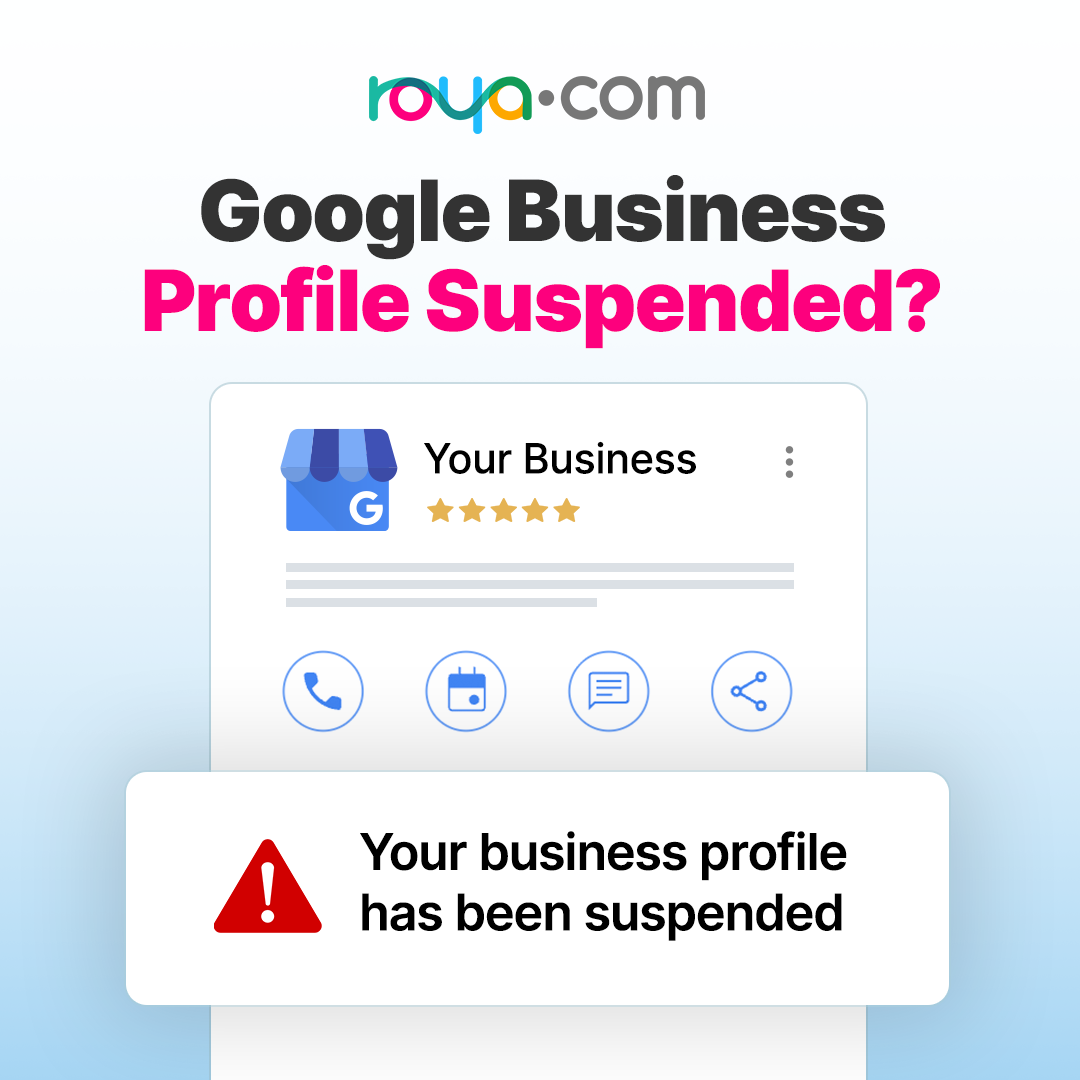

A Google Business Profile (GBP) suspension can feel like an overnight disaster. One day you’re ranking on Maps, and the next, your phone stops ringing and your listing has vanished.
In 2026, Google is ramping up its AI-driven fraud detection, leading to an increase in "algorithmic sweeps" that catch legitimate businesses in the crossfire. If you've been hit, don't panic and do not create a new business listing. This guide will walk you through the exact steps to get your business back on the map pack.
Step 1: Identify the Type of Suspension
Before you fix anything, you need to know what you’re dealing with.
Soft Suspension: Your business is still visible on Google, but you’ve lost the ability to manage it. You’ll see a "Suspended" notice in your dashboard.
Hard Suspension: Your business has been completely removed from Search and Maps. This is the most serious and requires immediate action.
Account Level: If your entire Google Account is restricted, every individual profile location you manage will be suspended. You must appeal the account restriction before the business profile.
Step 2: Check Your Profile for Violations
Google rarely tells you exactly what went wrong. Unfortunately, this process can be vague and confusing at times and can require some detective work. Check for these common red flags that trigger suspensions:
Keyword Stuffing: Does your business name include extra words like "Best Plumber in Chicago" instead of just your legal name? Fix it.
Address Issues: Are you using a P.O. Box, a UPS Store, or a virtual office? Google requires a physical location or a properly set "Service Area."
"Open 24 Hours" Business Hours: Unless you have staff physically present at your location 24/7, do not list these hours.
Inconsistent NAP: Ensure your Name, Address, and Phone number match your website and official government documents exactly.

Step 3: Gather Your Business Documents
Google's reinstatement team requires unquestionable evidence. Collect these documents before opening the appeal form:
Official Business Registration: Secretary of State filing or a business license.
Utility Bill: A water, electric, or internet bill (not a cell phone bill) showing the business name and address.
Physical Evidence: A photo of your permanent storefront signage or a video walk-through of your office.
Tax Documents: IRS EIN confirmation or recent tax certificates.
Step 4: Submit the Reinstatement Appeal
Once your profile is compliant and your documents are ready, use the official GBP Appeals Tool.
Critical Warning: In 2026, once you open the evidence upload form, you have exactly 60 minutes to submit your files. If you miss this window, your evidence won't attach, and your appeal will likely be denied.
In your appeal description:
Be professional and concise (you have a 1,000-character limit).
State exactly what you changed to comply with the stated guidelines.
Avoid emotional pleas; stick to the facts.
Step 5: The Waiting Game
Initial Review: Usually takes 3–5 business days.
If Approved: Your listing should reappear within 72 hours.
If Denied: You can request an "Additional Review." This is your last chance before needing to seek help from a Product Expert in the Google Business Help Community.
Pro-Tip for 2026
If you are a Service Area Business working from home, ensure your physical address is hidden from the public but verified in the backend. Showing a residential address without permanent signage is one of the leading causes of suspension this year.
Need Help Managing Your Google Business Profile?
Roya.com specializes in Local SEO marketing services, including managing everything for a Google Business Profile. This means that if your business listing is ever suspended, Roya’s Google-certified marketing strategists can coordinate with Google Support for you and help guide you through the account recovery process.